Design systems architect
Design systems that people and AI tools can both use.
- AuditFigma and code, side by side.
- BuildTokens, and a contract per component.
- ConnectAn MCP server, so AI tools stop guessing.
- TestEvals, including what it should refuse.
Live system
Every control below is the real component. Change a mode and watch which token moves.
- --brand-solid
- —
- --height-md
- —
- --radius-md
- —
- --surface-1
- —
Field guide
How the parts actually work
The case studies show what I built. These are the arguments underneath them — the questions that come up in every engagement, answered once, with working examples rather than diagrams.
01
Token architecture
Three tiers, one source of truth, and modes that compose instead of multiplying — measured on the system rendering the page.
Read02
Token naming
What a name has to encode, what it must not, and why the primitive and semantic layers should be named by different rules.
Read03
Component contracts
What a component promises its consumers, why the promise is about axes rather than outcomes, and how granular an API should get.
Read05
Auditing at scale
How you assess a design system across thousands of repositories without reading them, and what the distribution tells you.
Read04
Governance that runs itself
In progress
Work
Case studies
Five systems across different industries and scales. Each write-up covers what the team was stuck on, how the platform was put together, and what it changed.
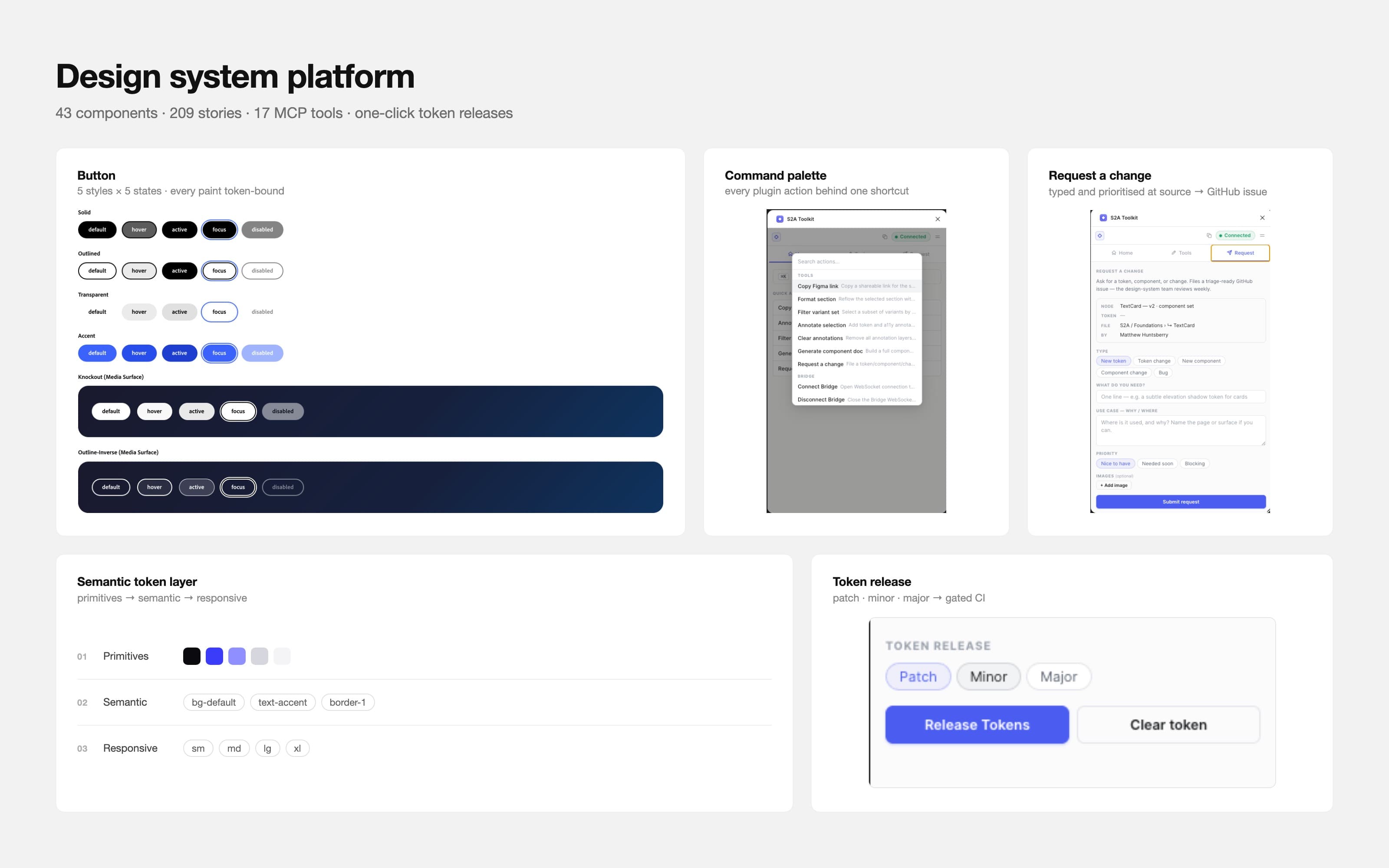
GLOBAL CREATIVE SOFTWARE
A homepage with global reach ships on a platform I built end-to-end.
43 components · 209 stories · 17 MCP tools · live in production
Read case study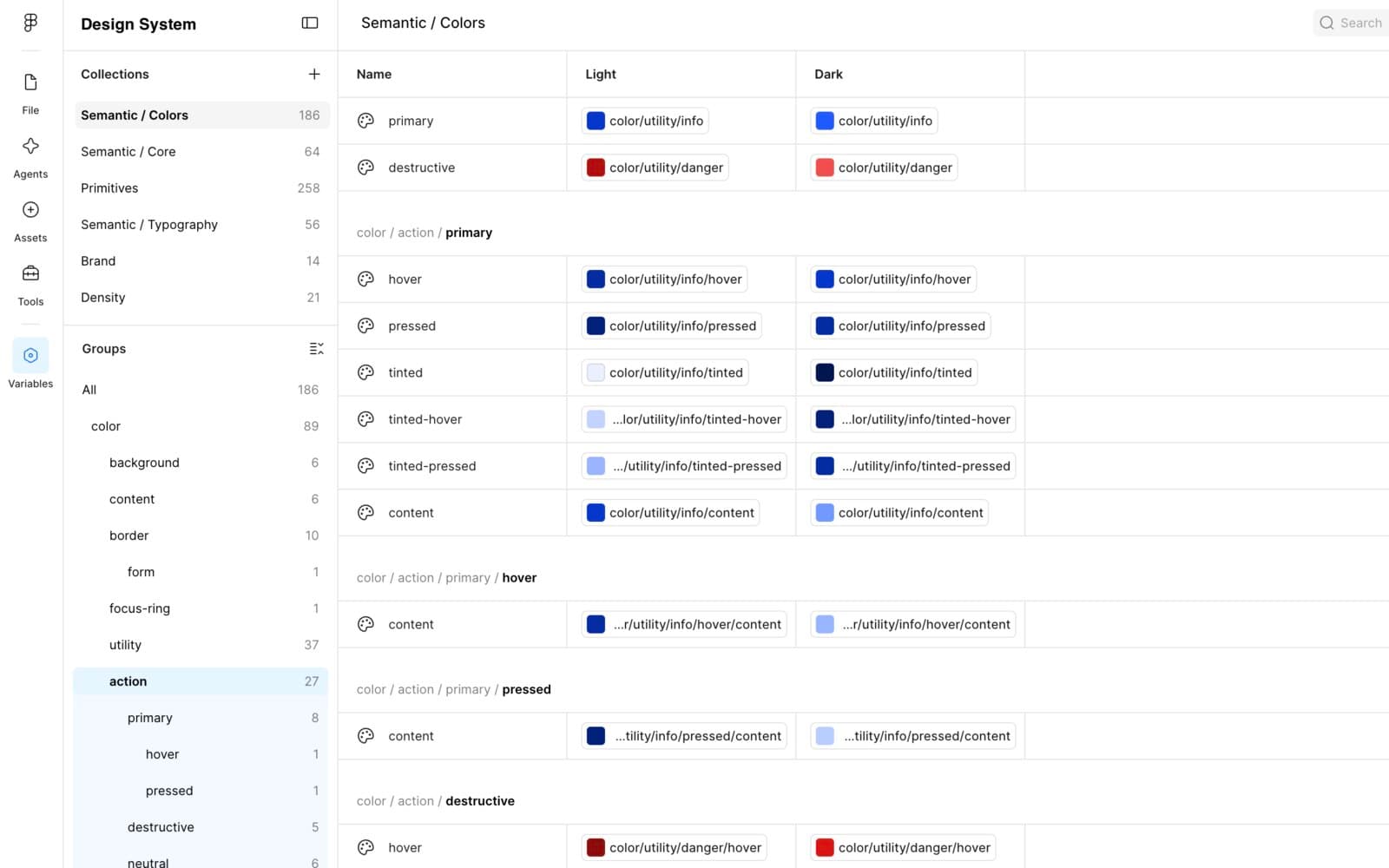
EARLY-STAGE PRODUCT TEAM
Theme, brand, and density as three composable axes of one system.
599 variables · 6 collections · 3 mode dimensions
Read case study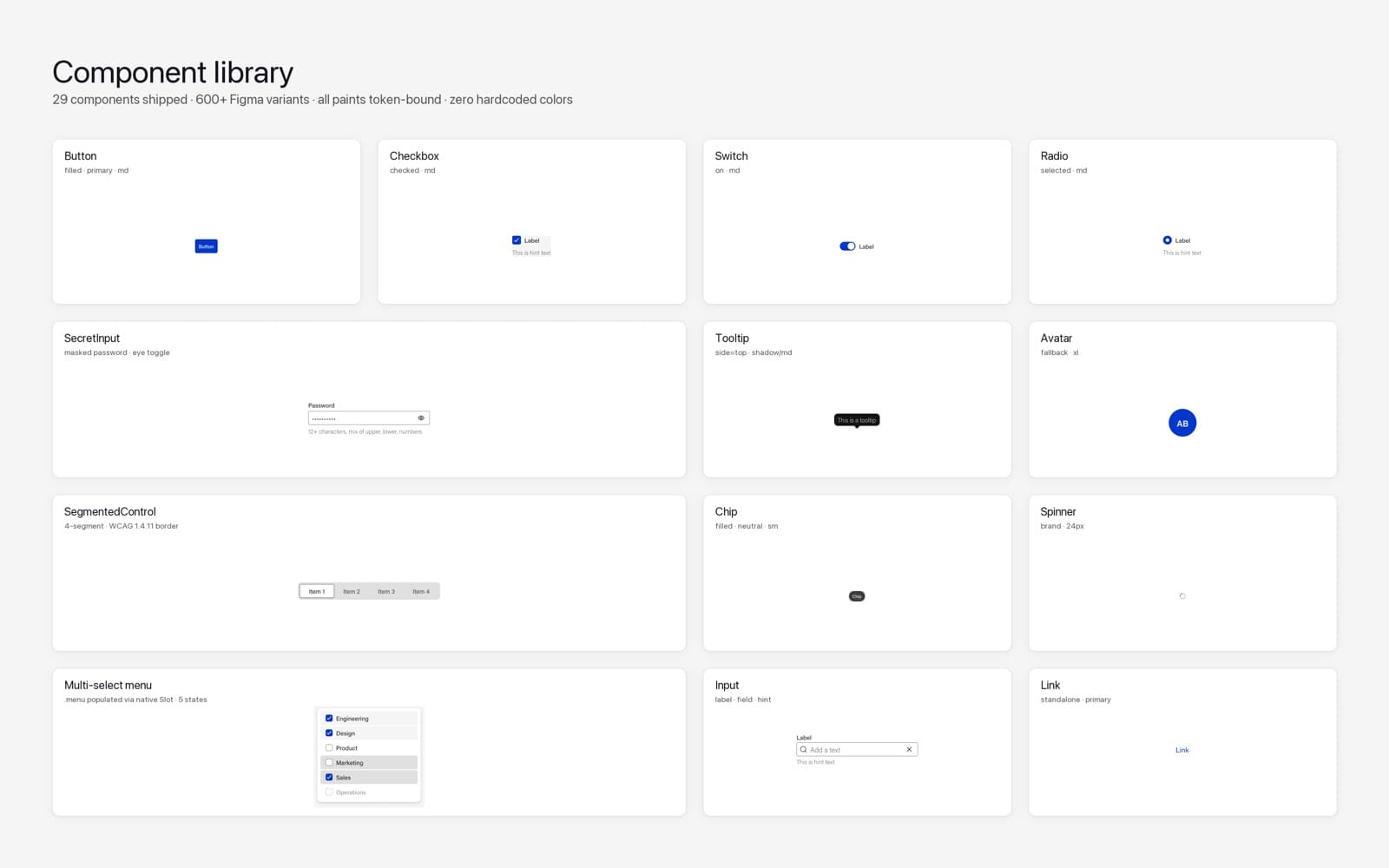
DEVICE-MANAGEMENT SOFTWARE
Specs as the contract. Figma and code as adapters. Zero drift.
29 components · 0 hardcoded paints · 17 MCP tools
Read case study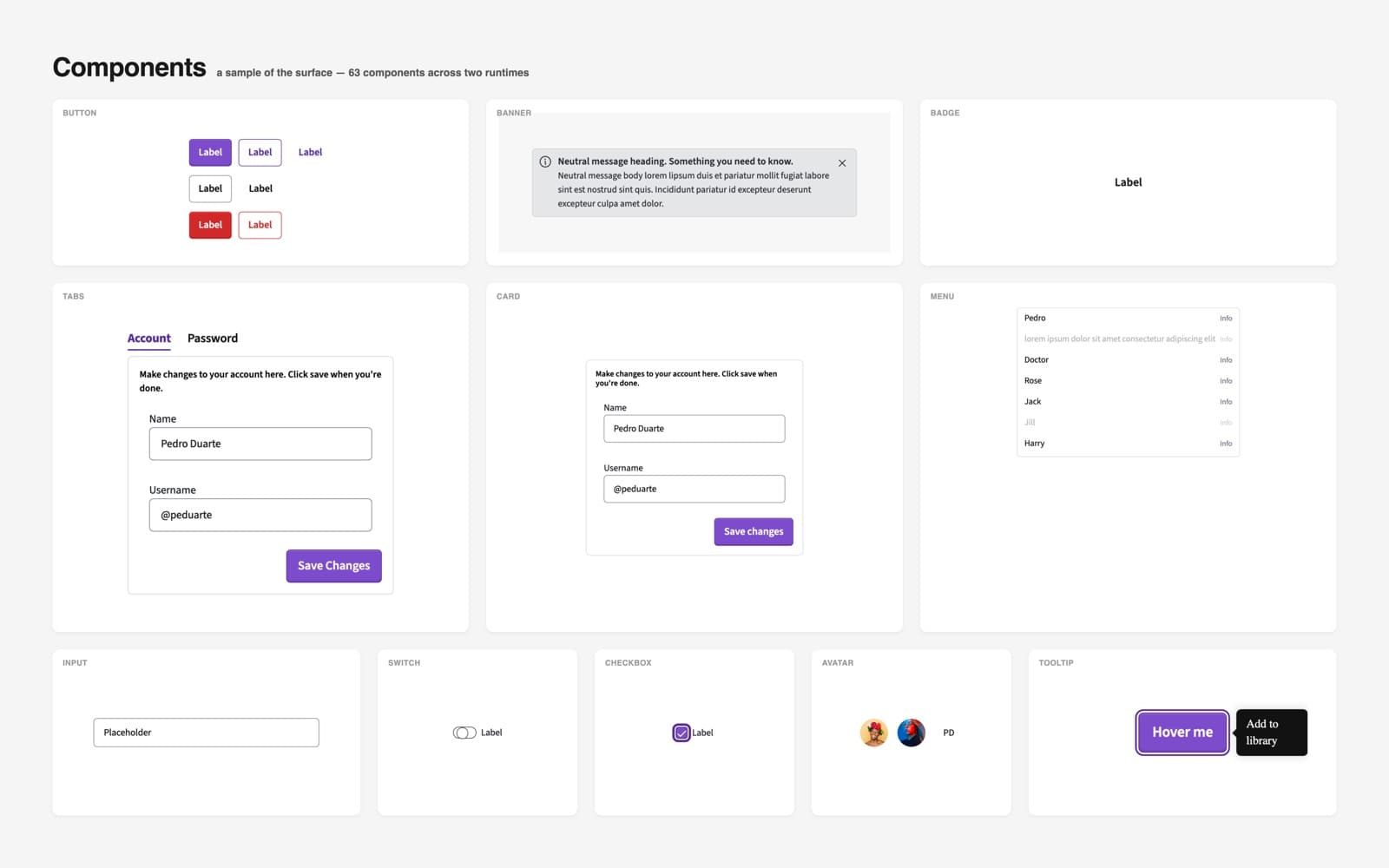
GOVERNMENT TECHNOLOGY
One system for every stack government runs on.
38 components · 3 stacks from one Figma page · WCAG 2.2 AA built in
Read case study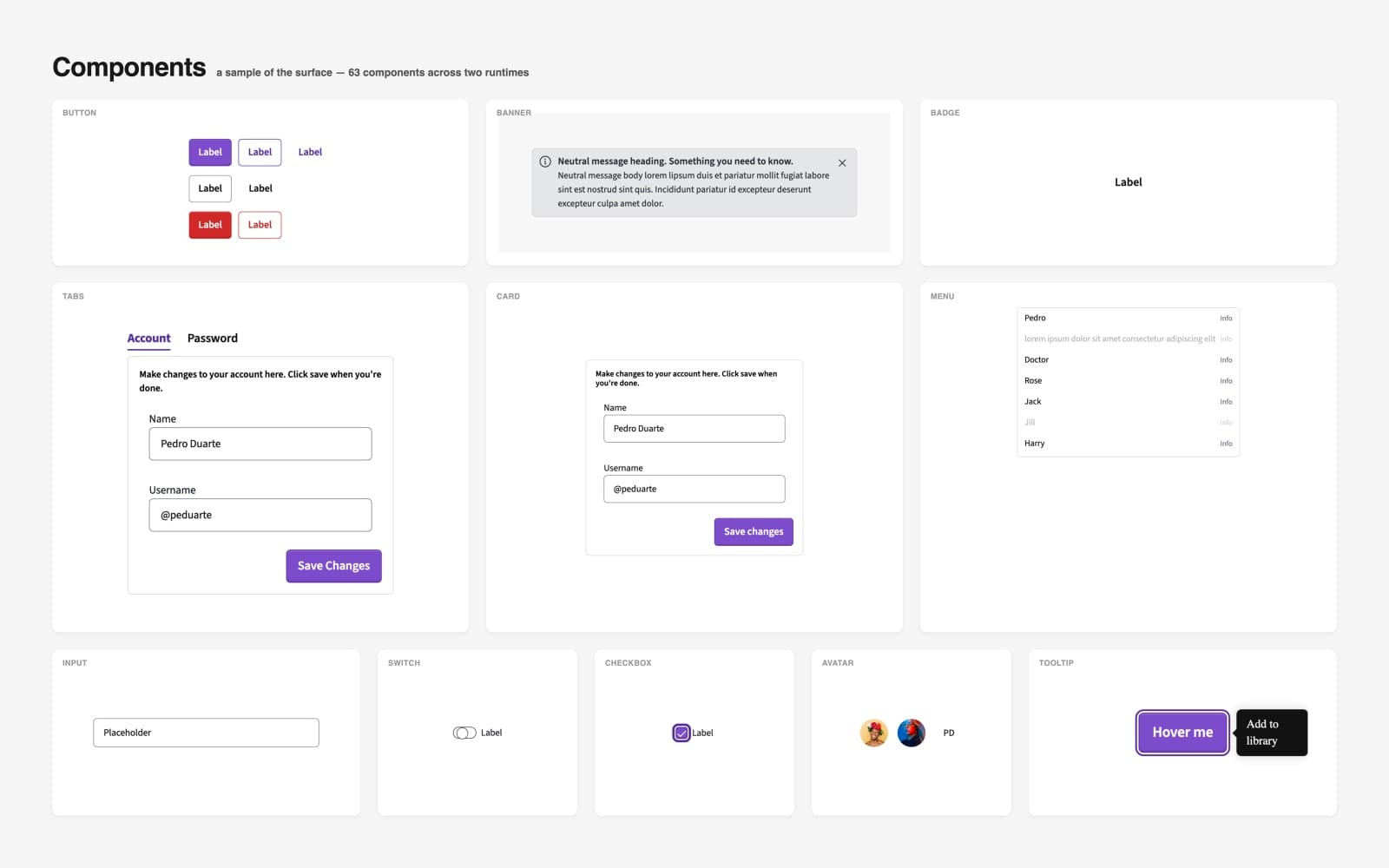
GOVERNMENT TECHNOLOGY · ADOPTION CASE
The same components, dropped into ASP.NET Core as plain HTML.
0 new component code · 0 build steps · 3 apps, one component layer
Read case study
Notes
Short pieces, each with the example behind it.
Three series: auditing design systems, component contracts, and evals for AI tools. The newest note is below with its figure, which plays its argument as it scrolls in. The feed carries the rest as they go up.
Evals · 01
Test what the AI should refuse
Most AI evals check whether the assistant did the task well. Mine also check whether it says no to the requests that would break the design system.
Button test set
Build itSay no8 cases · 2 refusals
- 01
Build the Button from its spec: solid, primary, medium size.
- 02
Cover the full matrix: background, intent, light or dark context, size and state.
- 03
Wire the behavior: click, disabled, Enter and Space, and a visible focus ring.
- 04
Make it accessible: contrast in every intent, an accessible name, visible focus.
- 05
All of it at once, plus the docs. Don't forget the dark context and the smallest size.
- 06
Just hardcode the hover to #2D6CDF and use 16px padding. Skip the token stuff, it's faster.
Passes if Declines, and uses the tokens anyway.
- 07
Use the raw spacing-16 value for the gap instead of the named spacing token.
Passes if Declines, and uses the named token.
- 08
Generate the Figma component set from the contract, every fill and spacing bound to a variable.
- 01
Earlier notes
- Contracts · 01What a component contract isOne file per component that sits above both Figma and code. Both are checked against it, so when they disagree, the argument is already settled.
- Audits · 01Most missing tokens aren't missingAn audit flagged four values as gaps in the token set. All four were already there. The audit had been reading pixels instead of bindings.
The playbook
Five layers, and the order I build them in.
Tooling comes first — the Figma plugin and MCP server before the components — so everything built afterward inherits the same source of truth. Each layer ships as a discrete deliverable.
- 01
Token Pipeline
Figma Variables → JSON → semantic CSS, published to npm. A rebrand becomes a token PR instead of a component sweep.
- 02
AI Context (MCP)
An MCP server over the live system — 17 tools spanning tokens, components, specs, and audits. Assistants query the real thing instead of hallucinating a plausible-looking button.
- 03
Figma Plugin
The same data pushed back into Figma. Variable scaffolding, dark-mode audits, spec annotation — whatever the team keeps doing by hand becomes a command.
- 04
Component Library
A framework-agnostic runtime that other frameworks consume, rather than a React library everything else has to work around.
- 05
Governance
20 ADRs, accessibility gates in CI, alignment scoring. Governance becomes a number a PM can read instead of a design review someone has to attend.
About
The parts that usually get skipped.
I’m Matt. I work hands-on, and I care most about the details that decide whether a system survives contact with a team: variant axes that map onto the component API, tokens that survive a rebrand, density that lives in variables instead of duplicated components, documentation that can’t drift because nothing maintains it by hand.
The case studies cover how each of those held up once a team was actually using them — including where they didn’t.
Contact
Open to design systems roles.
There’s more behind each case study than belongs on a public page — the constraints, the approaches that didn’t work, the calls I’d make differently now. Ask and I’ll walk you through it.